


The wait for a gig is a big part of the fun. You buy the ticket months ahead, tell everyone in your group chat, and then spend weeks checking how many sleeps are left. A decent countdown app turns that wait into something you actually look forward to, and it also keeps you from arriving without your ticket or forgetting that doors are at 7.
We tried five iPhone apps that can count down to a show, from a purpose-built gig tracker to the big general-purpose countdown apps. Two of them are ours, Media Junkbox and Kounts, so you should know that up front. We have tried to be fair about the others, and we have said where they do something better than we do.
What to look for in a gig countdown app
- Widgets that are not locked away. A countdown you have to open an app to see is only half useful. Check whether Home Screen and Lock Screen widgets are free.
- A Live Activity for the day itself. Seeing the time to doors on your Lock Screen or in the Dynamic Island is handy when you are queuing outside a venue.
- Tickets and venue close to hand. The best countdown is the one that also knows where the show is and where your ticket lives.
- Price and ads. Free is great, but it matters whether “free” means ads, a paywalled widget, or a subscription.
1. Media Junkbox: Gigs & Reviews
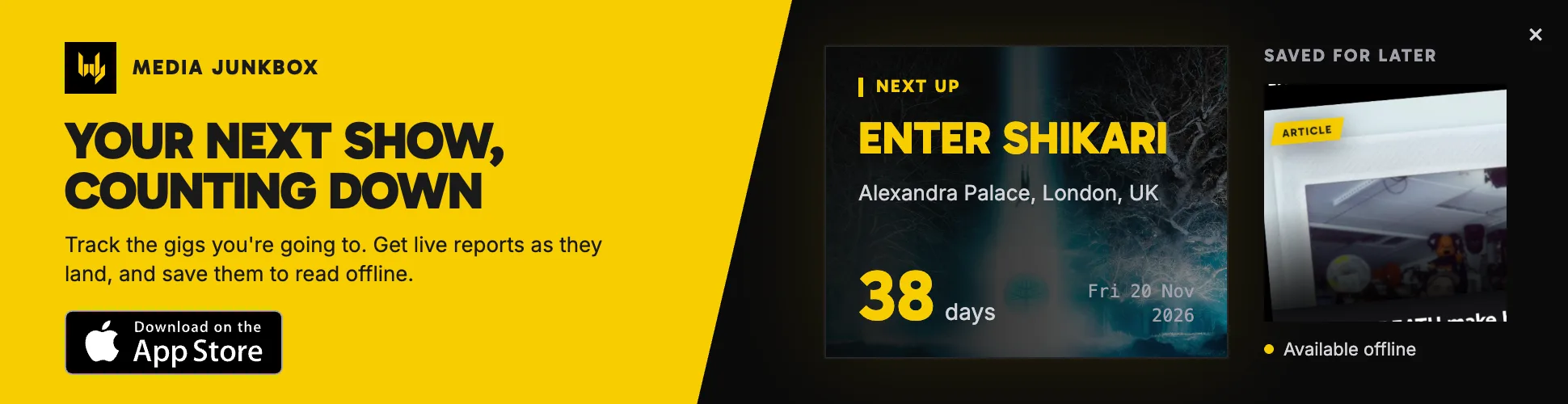
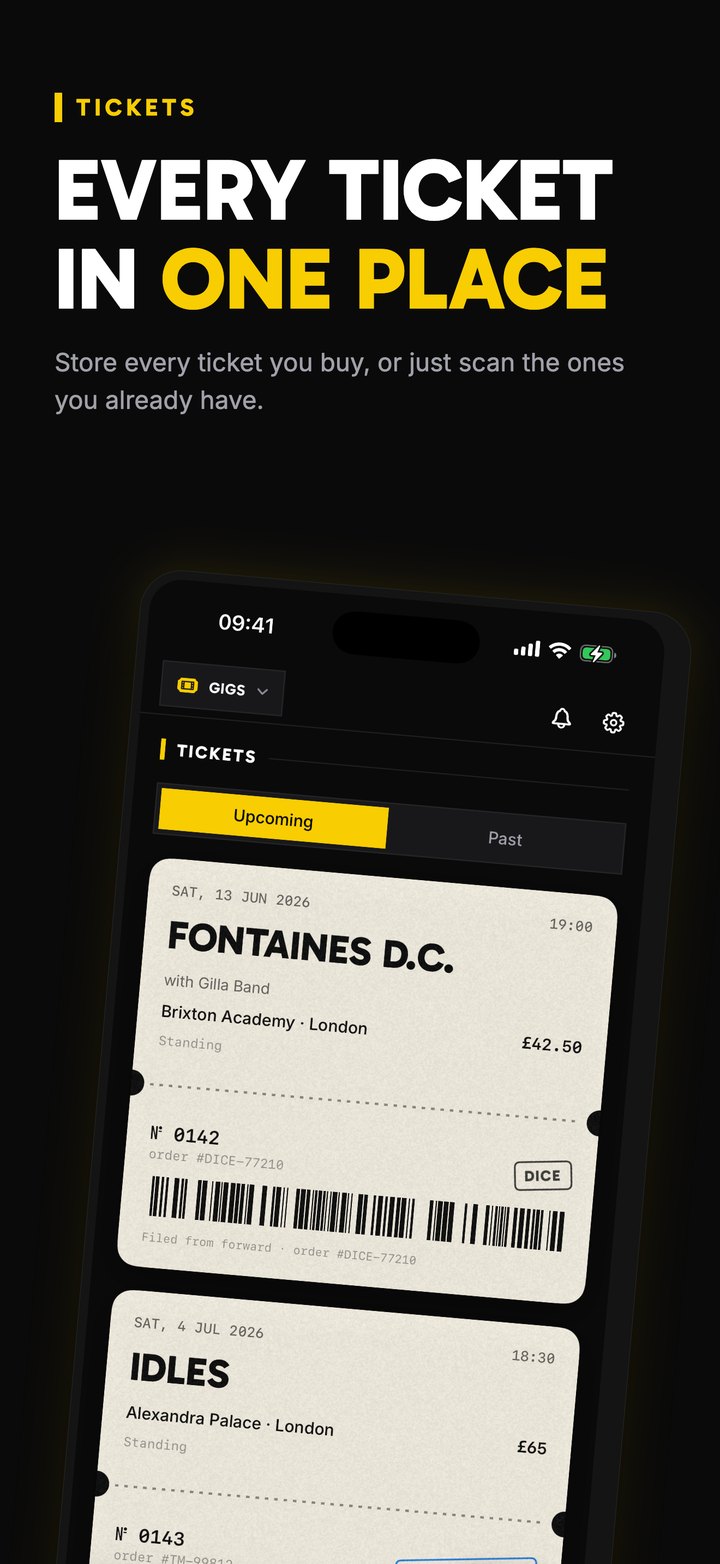
This is the app from this very site, and it is the only one in the list built around gigs rather than dates in general. You add the shows you are going to and the home screen puts the next one first, with the days left and the venue, plus the doors time if you add one. You enter each gig yourself, so nothing is pulled in automatically. It also works as a ticket wallet: send a PDF, a photo of a ticket or an Apple Wallet pass to the app from the share sheet and it files it with the right gig.
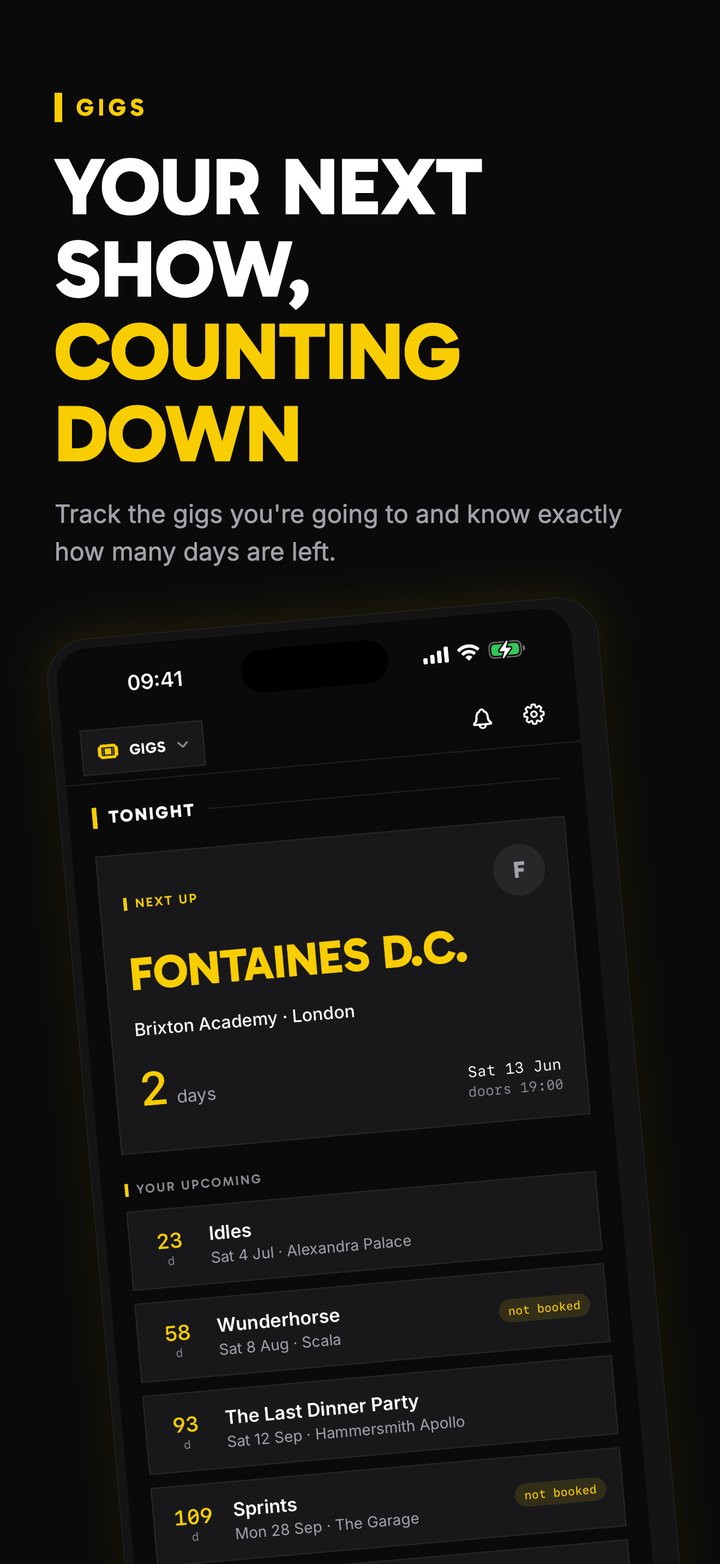
- A next-gig widget, Lock Screen widgets and a Live Activity that counts down to the doors time you set for the gig
- A “How was it?” prompt after the show, and a Year in Gigs recap in December
- The Media Junkbox live reviews, interviews and news in the same app
- Free, iPhone only
Best for: people who go to a lot of gigs and want the countdown, the tickets and a diary of what they have seen in one place.
2. Kounts
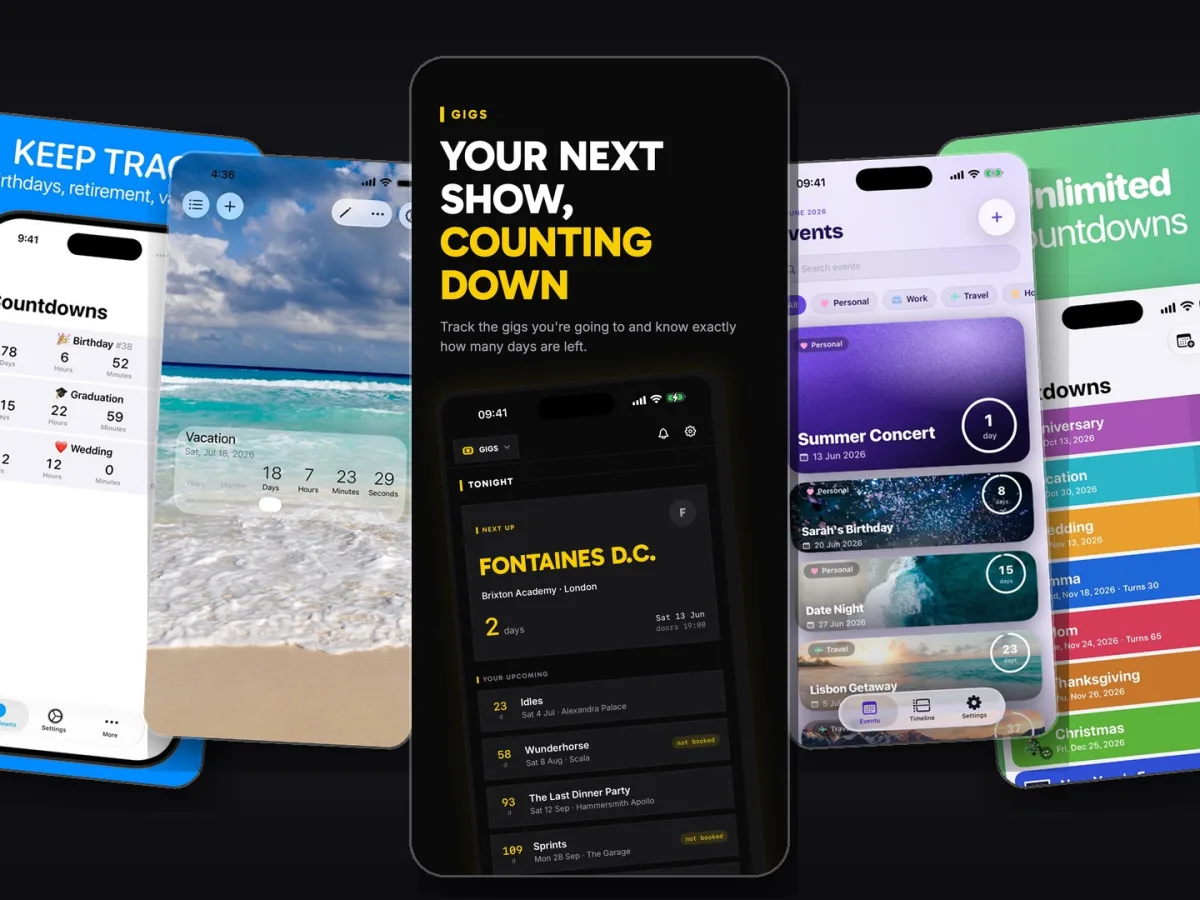
Kounts is our general countdown app, and if the countdown itself is what you care about most, it is the most complete one here. Each event gets a full-screen card with your own photo, the venue on a map, reminders and links, and on the day of the show the countdown moves into the Dynamic Island. It works on iPhone, iPad, Mac and Apple Watch, and you can share a countdown with up to five friends so the whole group sees the same clock. Festivals that run for several days get a “Day 2 of 3” readout.
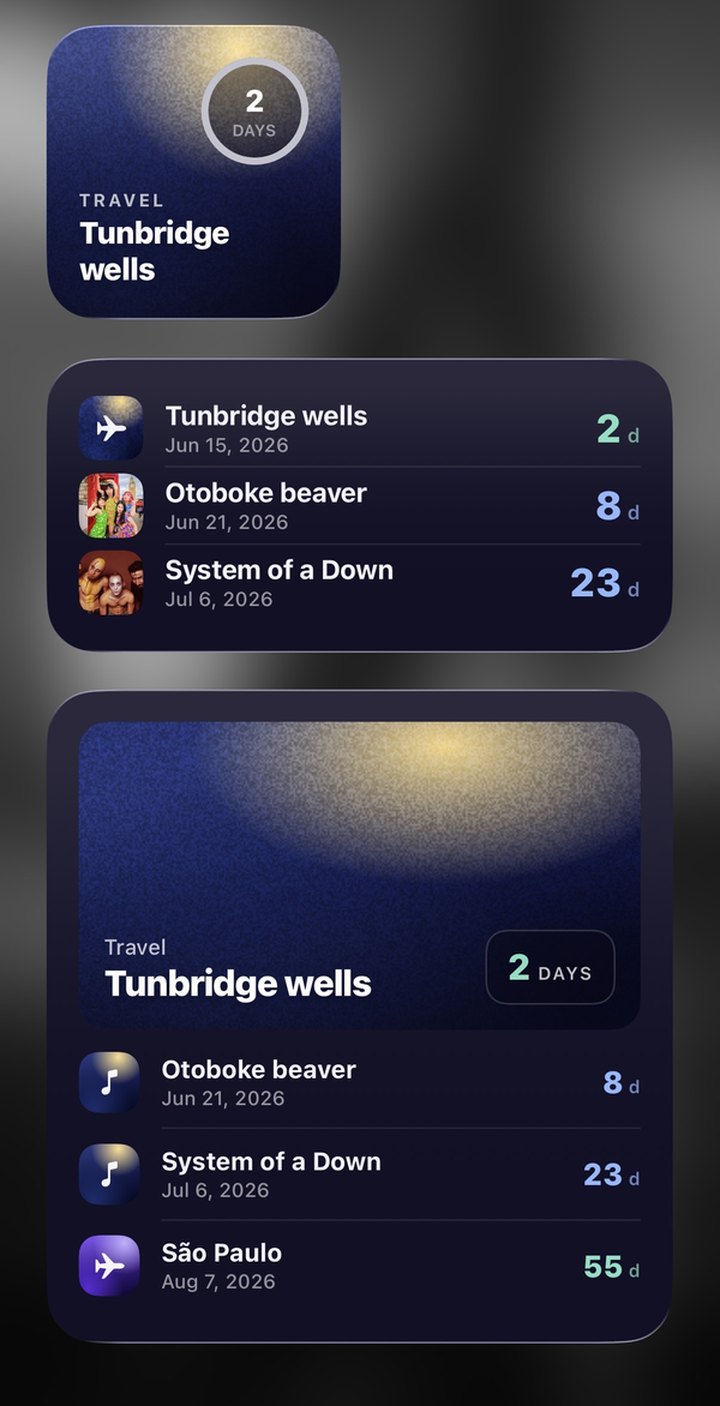
- Every widget is free, with no ads anywhere
- Live Activity and Dynamic Island on show day, plus an Apple Watch app
- Shared countdowns for your group, and a one-way sync from Apple Calendar
- Free to download. Optional Premium is $9.99 a year or $19.99 once
Best for: anyone who wants a beautiful countdown on every Apple device, and groups of friends planning a trip to a show or a festival.
More on using it for shows is on the Kounts concert countdown page.
3. Countdown (Find Appiness)
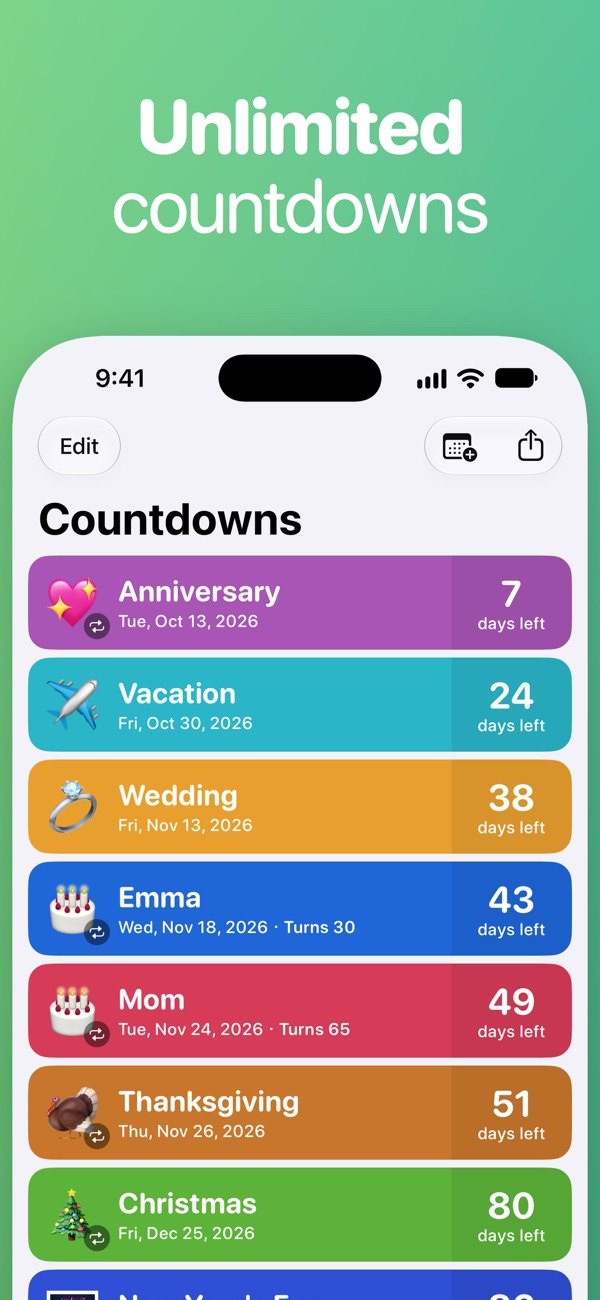
With around 190,000 ratings and a 4.8 average on the US App Store, this is one of the most popular countdown apps around, and the plain name is no accident. It is simple, quick to set up and reliable, with a clean list of events and a Watch app. The catch is that the Home Screen widgets sit behind a one-off purchase (listed at $6.99, with an occasional discount), and reviewers mention it often.
Best for: a simple, no-fuss countdown list if you do not mind paying once for widgets.
4. Countdown Star
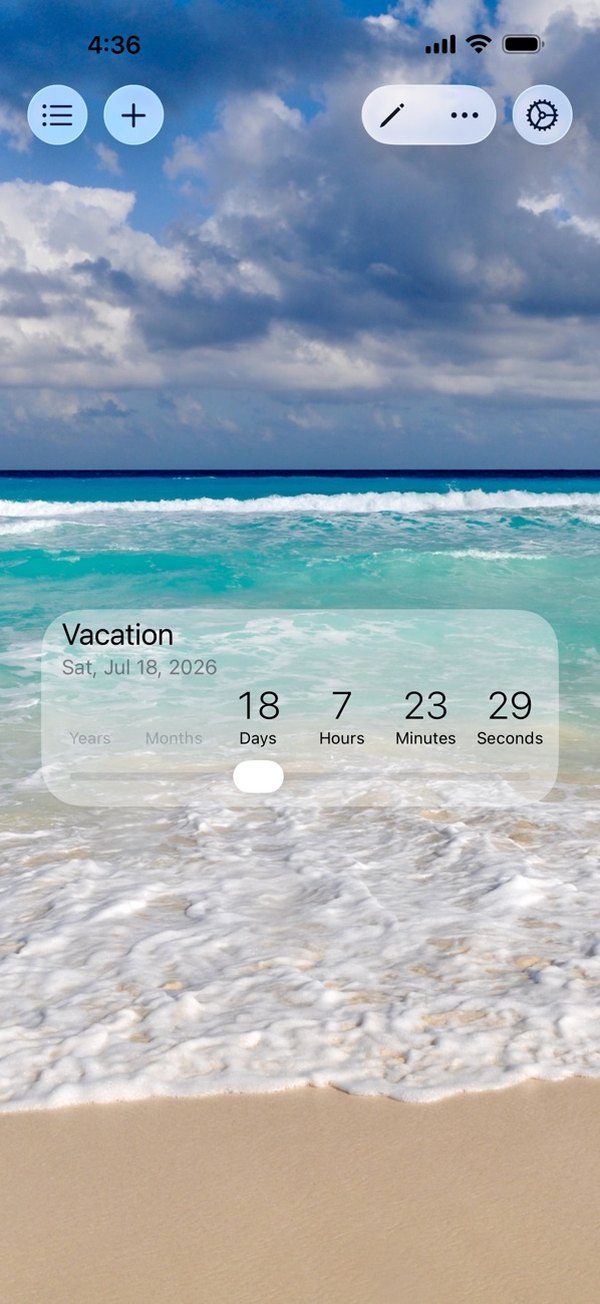
Countdown Star has been on the App Store since 2012 and has well over 200,000 ratings, so a lot of people use it. You can set a photo as the background for each event and watch the days, hours and minutes tick down, and it supports widgets and an Apple Watch app. It is free with ads, and a $1.99 purchase removes them. A big rewrite in 2026 caused some trouble for long-time users, so check recent reviews before you commit your whole gig calendar to it.
Best for: a free countdown with photo backgrounds, if you can live with ads or pay the small fee to remove them.
5. Countdowns (Shayes Apps)
Shayes Apps’ countdown app has been around since 2014 and, like Kounts, runs on iPhone, iPad, Mac and Apple Watch. It does lists, widgets and lock screen widgets well. Some features need a premium upgrade, sold as a subscription or a $19.99 lifetime unlock.
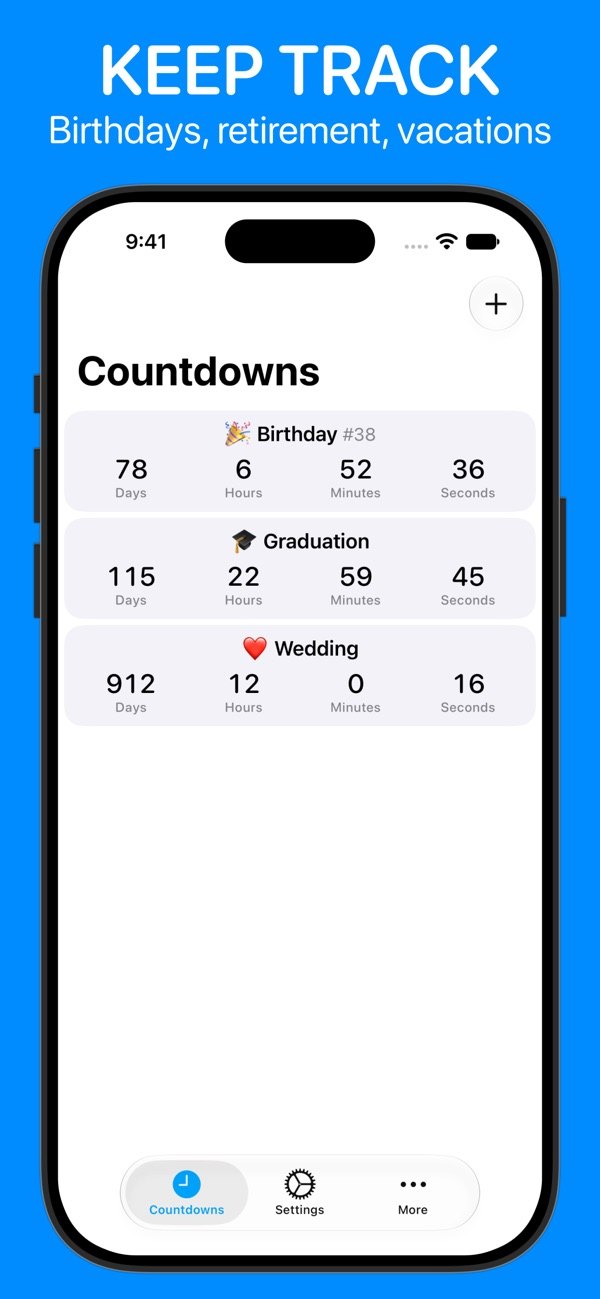
Best for: people who want a countdown on all their Apple devices and are happy with a general-purpose app.
At a glance
| App | Price | Widgets | Live Activity | Tickets | Devices |
|---|---|---|---|---|---|
| Media Junkbox | Free | Free | Yes (to the doors time you enter) | Ticket wallet | iPhone |
| Kounts | Free, optional Premium | All free | Yes (Dynamic Island) | Links and notes | iPhone, iPad, Mac, Watch |
| Countdown (Find Appiness) | Free, widgets $6.99 | Paid | No | No | iPhone, iPad, Watch |
| Countdown Star | Free with ads | Yes | No | No | iPhone, iPad, Watch |
| Countdowns (Shayes) | Free, premium upgrade | Yes | No | No | iPhone, iPad, Mac, Watch |
Which one should you pick?
If you go to a lot of shows, start with Media Junkbox. It is the only one here that treats a gig as a gig, with tickets, a doors time you can add and a diary of what you have seen, and it is free. If you also want to count down to holidays, birthdays and festivals with friends, or you want a countdown on your Watch and Mac, add Kounts. They work well together, and both are free to try.
The other three are solid choices if you only want a generic countdown. Features and prices change often on the App Store, so check the current listing before you buy anything.
Disclosure: Media Junkbox and Kounts are both made by the people behind this site. The other apps are independent, and we are not affiliated with them.